
| ||||||
|
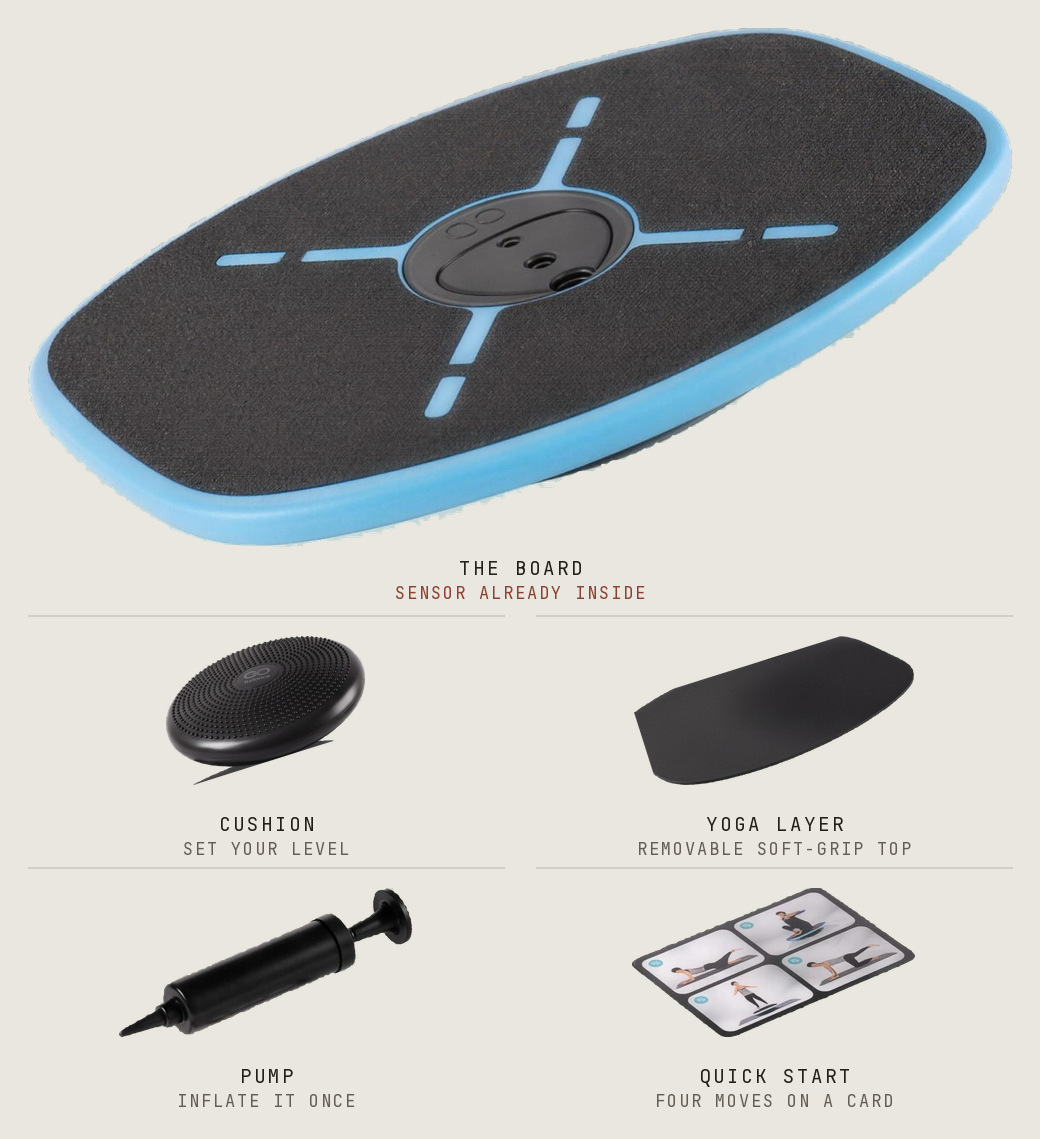
It landed ◆ set-up day
Let’s get you paired
| ||||||
| ||||||
| ||||||
| ||||||
|
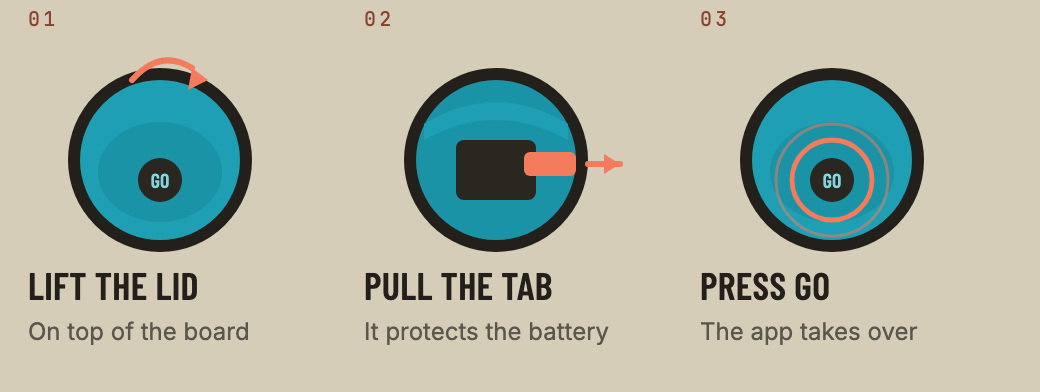
01 Wake the sensorIt lives under a lid on top of the board — not underneath. | ||||||
| ||||||
|
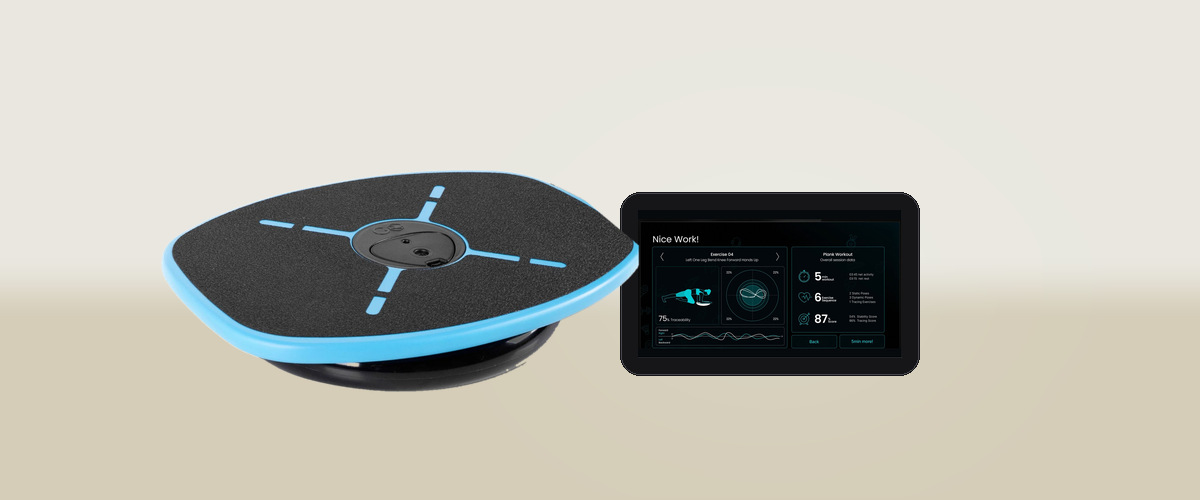
02 Get the app, make a profileCreate a user, then a profile, then select it. The app starts looking for your board on its own. Pair from inside the app, not from your phone’s Bluetooth settings. This is the single most common place people get stuck. | ||||||
| ||||||
|
03 Enter your activation codeTurn the board over — the sticker is on the back. Enter the code the first time you open the app. It’s what unlocks Sport and the four scored trainings, so don’t skip it. | ||||||
| ||||||
Board not showing up?Nine times out of ten it’s one of these two. Thirty seconds to fix either.
| ||||||
| ||||||
| ||||||
|
GoBalance by Particula Brands LTD. Stuck on something this email didn’t cover? Talk to our support team — or browse the support hub. 30-day returns from delivery and a 1-year limited hardware warranty. See full terms. Bought on Amazon? Shipping and returns are handled by Amazon. |
